如何得知誰沒有回追你?
1. 打開 Chrome 瀏覽器,並且造訪 Instagram 網站
- 不一定要使用狗狗的帳號,任一帳號都可以!
2. 開啟 Chrome 的檢查工具
首先,點選滑鼠的右鍵,會出現一個對話方框:
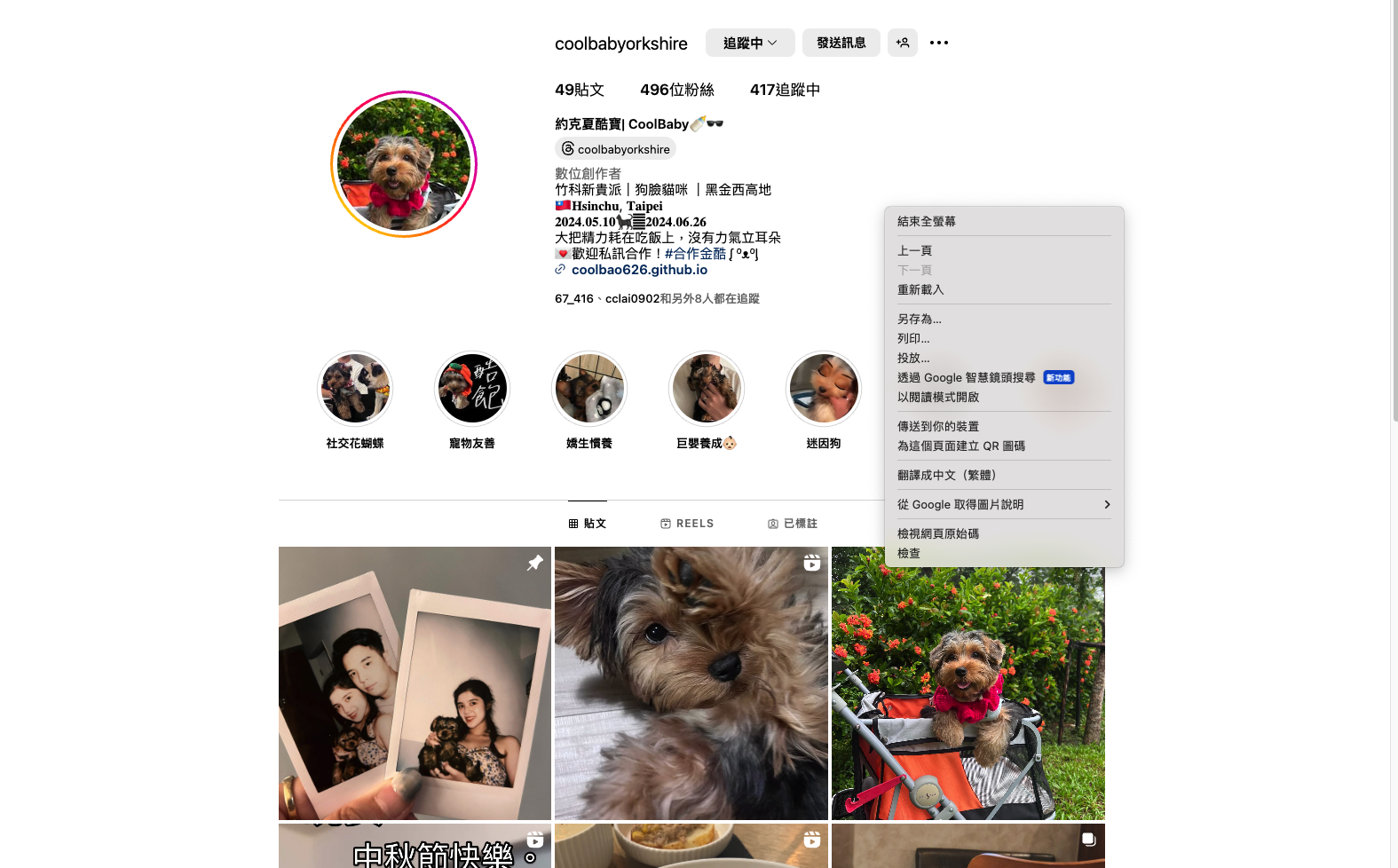
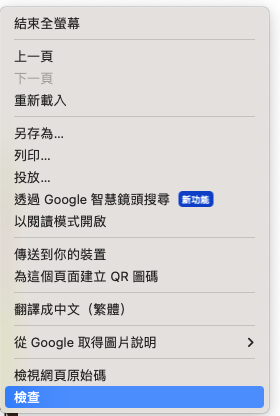
按下檢查:
接著我們會看到一坨酷酷的工具:
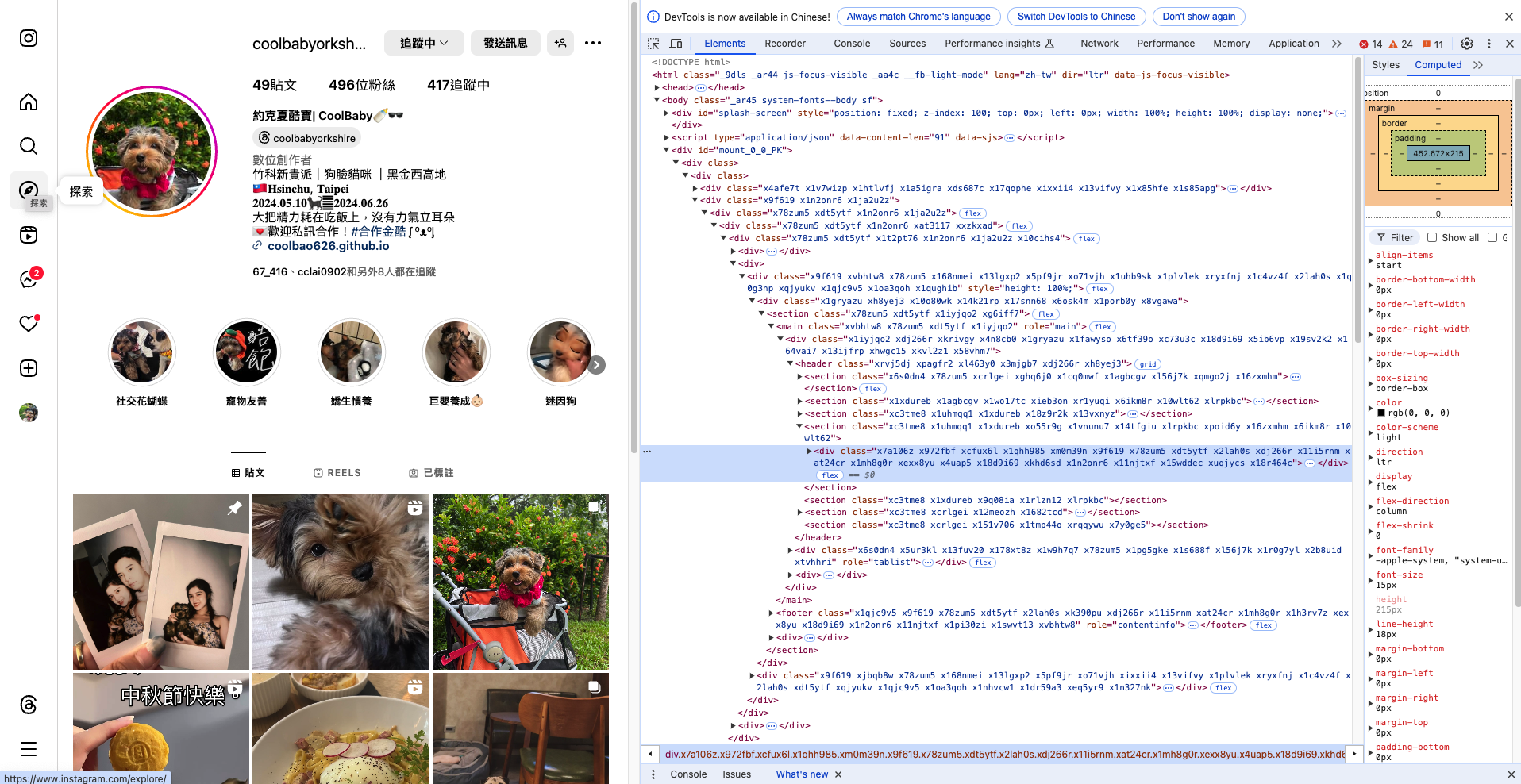
注意畫面的右上角,會有一欄導航列:

我們會使用到 Console 工具,點擊一下 Console 按鈕後,工具會變成這樣:
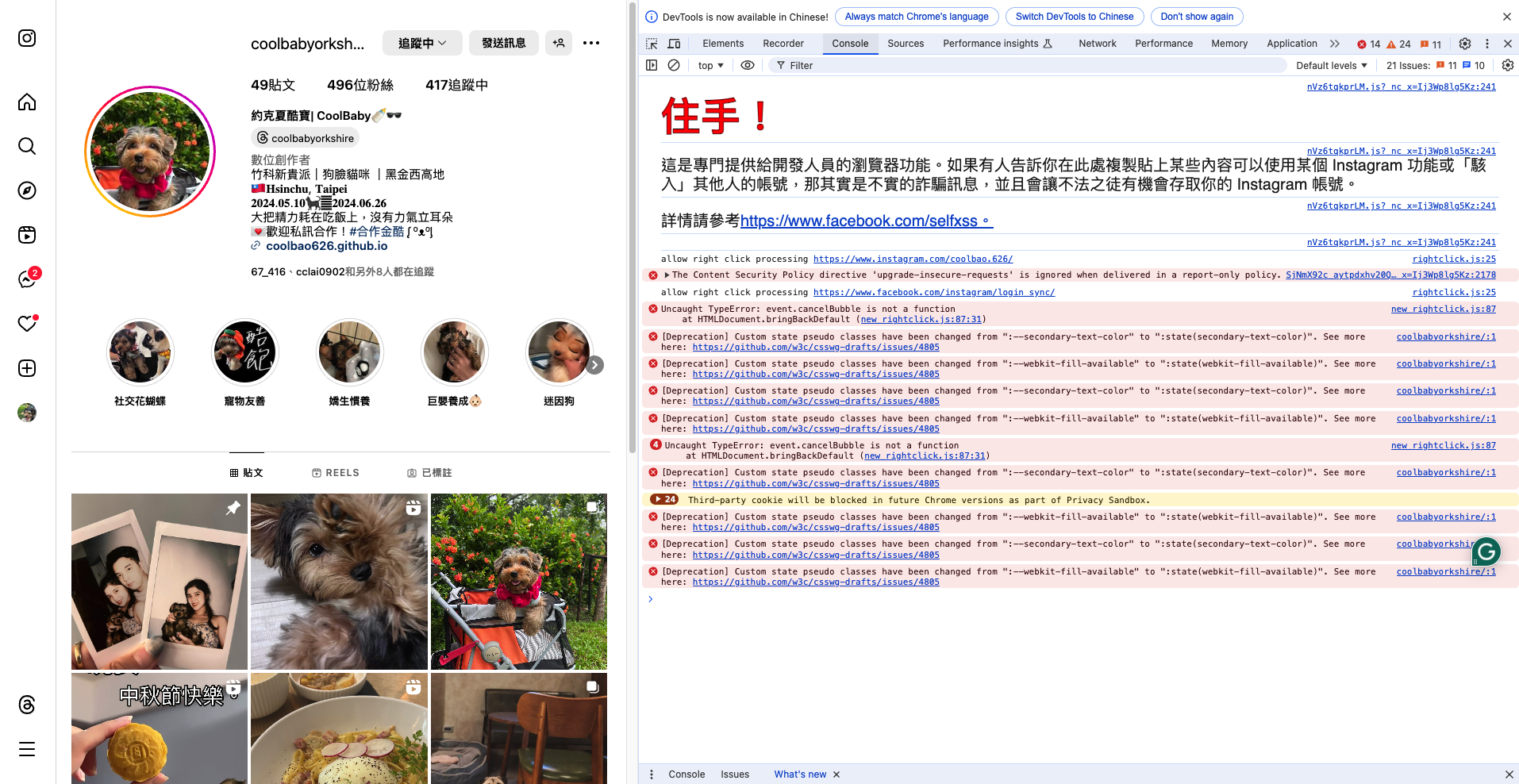
你可能會因為警示訊息或是密密麻麻的錯誤而感到害怕,但不用擔心,這篇文章教的方式並不會違反 Instagram 的使用原則。
3. 準備程式碼
上一步驟點開的 Console 是可以幫助我們在對話窗內執行一些程式碼的(通常都是網頁工程師用來除錯的),這次酷寶拔幫大家把程式碼準備好了:
使用前記得把程式碼的第一行
const username = "coolbabyorkshire";中的coolbabyorkshire換成你想要查詢的帳號(你家寶貝的帳號)名稱。
更改完後記得複製整段程式碼喔!
const username = "coolbabyorkshire";

/**
 * Initialized like this so we can still run it from browsers, but also use typescript on a code editor for intellisense.
 */
let followers = [{ username: "", full_name: "" }];
let followings = [{ username: "", full_name: "" }];
let dontFollowMeBack = [{ username: "", full_name: "" }];
let iDontFollowBack = [{ username: "", full_name: "" }];

followers = [];
followings = [];
dontFollowMeBack = [];
iDontFollowBack = [];

(async () => {
  try {
    console.log(`Process started! Give it a couple of seconds`);

    const userQueryRes = await fetch(
      `https://www.instagram.com/web/search/topsearch/?query=${username}`
    );

    const userQueryJson = await userQueryRes.json();

    const userId = userQueryJson.users.map(u => u.user)
                                      .filter(
                                        u => u.username === username
                                       )[0].pk;

    let after = null;
    let has_next = true;

    while (has_next) {
      await fetch(
        `https://www.instagram.com/graphql/query/?query_hash=c76146de99bb02f6415203be841dd25a&variables=` +
          encodeURIComponent(
            JSON.stringify({
              id: userId,
              include_reel: true,
              fetch_mutual: true,
              first: 50,
              after: after,
            })
          )
      )
        .then((res) => res.json())
        .then((res) => {
          has_next = res.data.user.edge_followed_by.page_info.has_next_page;
          after = res.data.user.edge_followed_by.page_info.end_cursor;
          followers = followers.concat(
            res.data.user.edge_followed_by.edges.map(({ node }) => {
              return {
                username: node.username,
                full_name: node.full_name,
              };
            })
          );
        });
    }

    //console.log({ followers });

    after = null;
    has_next = true;

    while (has_next) {
      await fetch(
        `https://www.instagram.com/graphql/query/?query_hash=d04b0a864b4b54837c0d870b0e77e076&variables=` +
          encodeURIComponent(
            JSON.stringify({
              id: userId,
              include_reel: true,
              fetch_mutual: true,
              first: 50,
              after: after,
            })
          )
      )
        .then((res) => res.json())
        .then((res) => {
          has_next = res.data.user.edge_follow.page_info.has_next_page;
          after = res.data.user.edge_follow.page_info.end_cursor;
          followings = followings.concat(
            res.data.user.edge_follow.edges.map(({ node }) => {
              return {
                username: node.username,
                full_name: node.full_name,
              };
            })
          );
        });
    }

    //console.log({ followings });

    dontFollowMeBack = followings.filter((following) => {
      return !followers.find(
        (follower) => follower.username === following.username
      );
    });

    console.log({ dontFollowMeBack });

    iDontFollowBack = followers.filter((follower) => {
      return !followings.find(
        (following) => following.username === follower.username
      );
    });

    //console.log({ iDontFollowBack });

    console.log(
      `Process is done: Type 'copy(followers)' or 'copy(followings)' or 'copy(dontFollowMeBack)' or 'copy(iDontFollowBack)' in the console and paste it into a text editor to take a look at it'`
    );
  } catch (err) {
    console.log({ err });
  }
})();
4. 執行程式碼
我們看到剛剛打開的檢查工具,會發現游標處可以讓我們輸入文字:
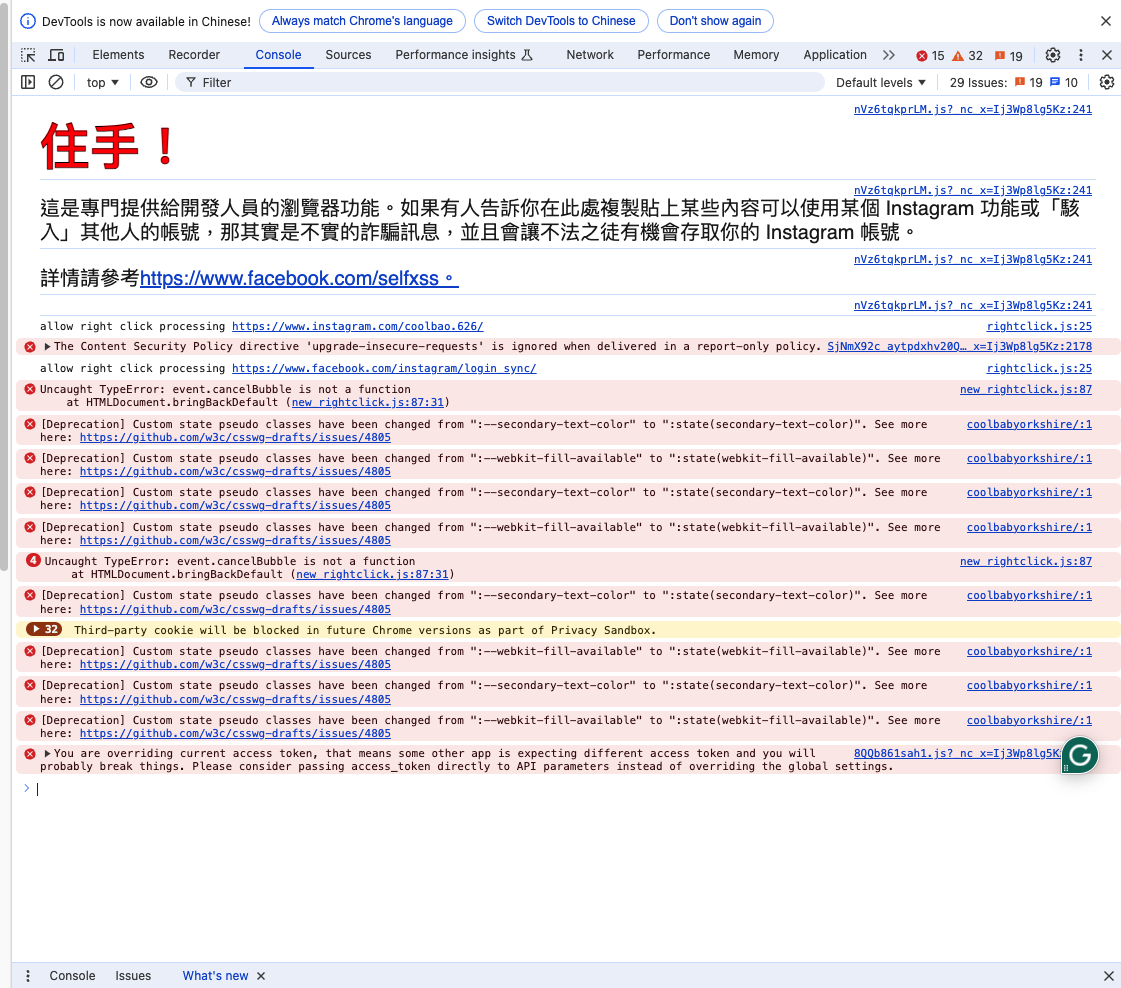
我們將剛剛的程式碼貼上並且按下 <Enter> 鍵:
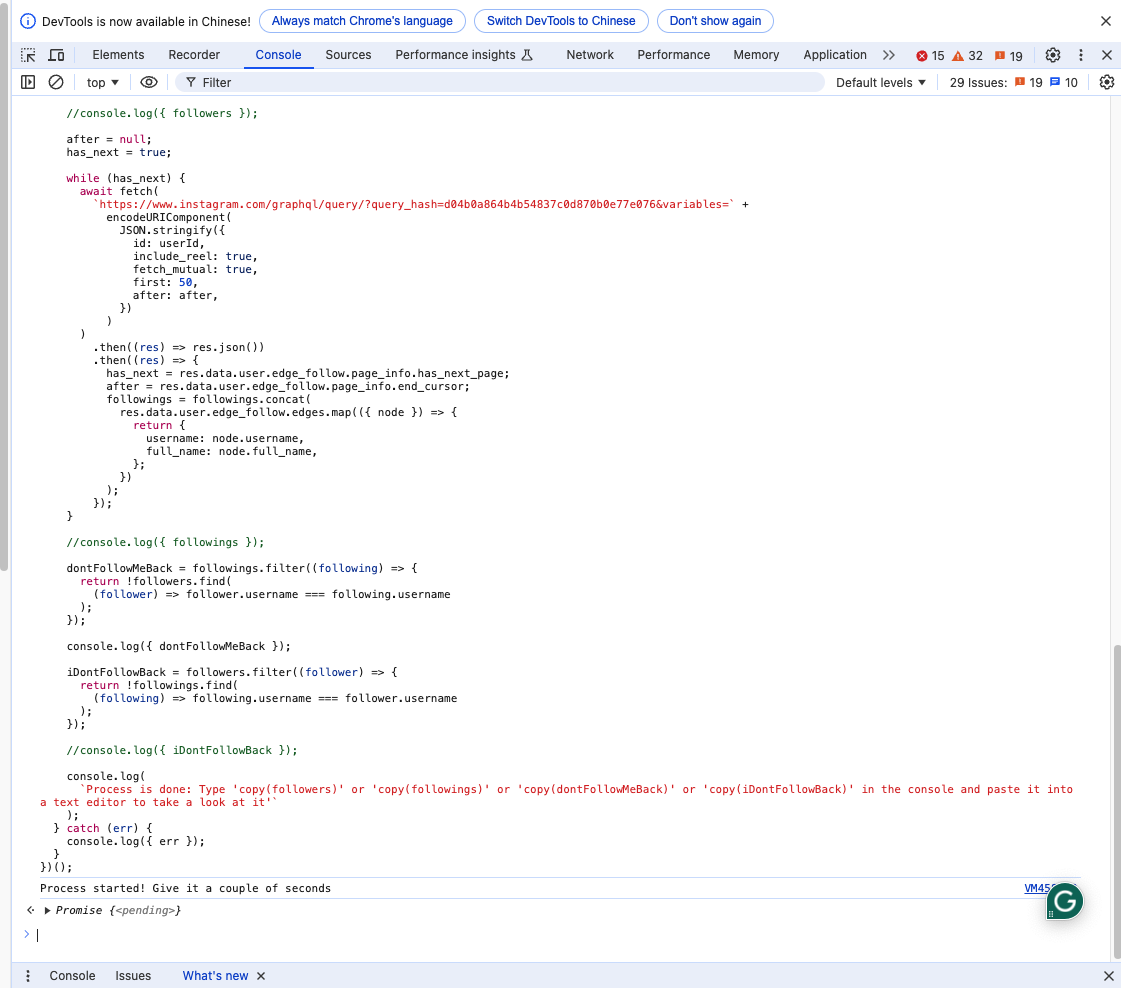
按下 <Enter> 後,會看到工具回應 Promise{<pending>},看到這段話後請給瀏覽器一些時間(它已經正在找出誰沒回追了)。
過幾秒後,就能夠看到 dontFollowMeBack 的資訊:
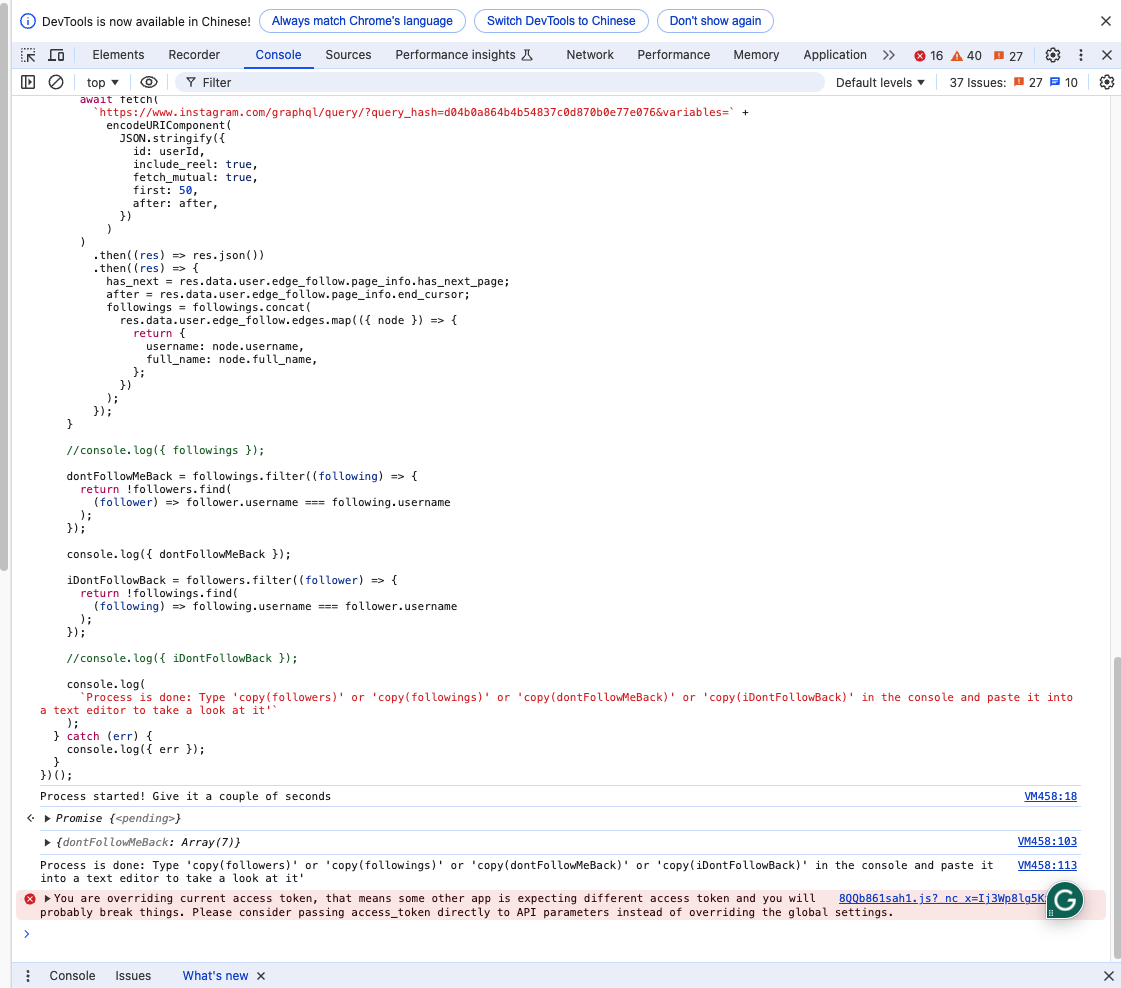
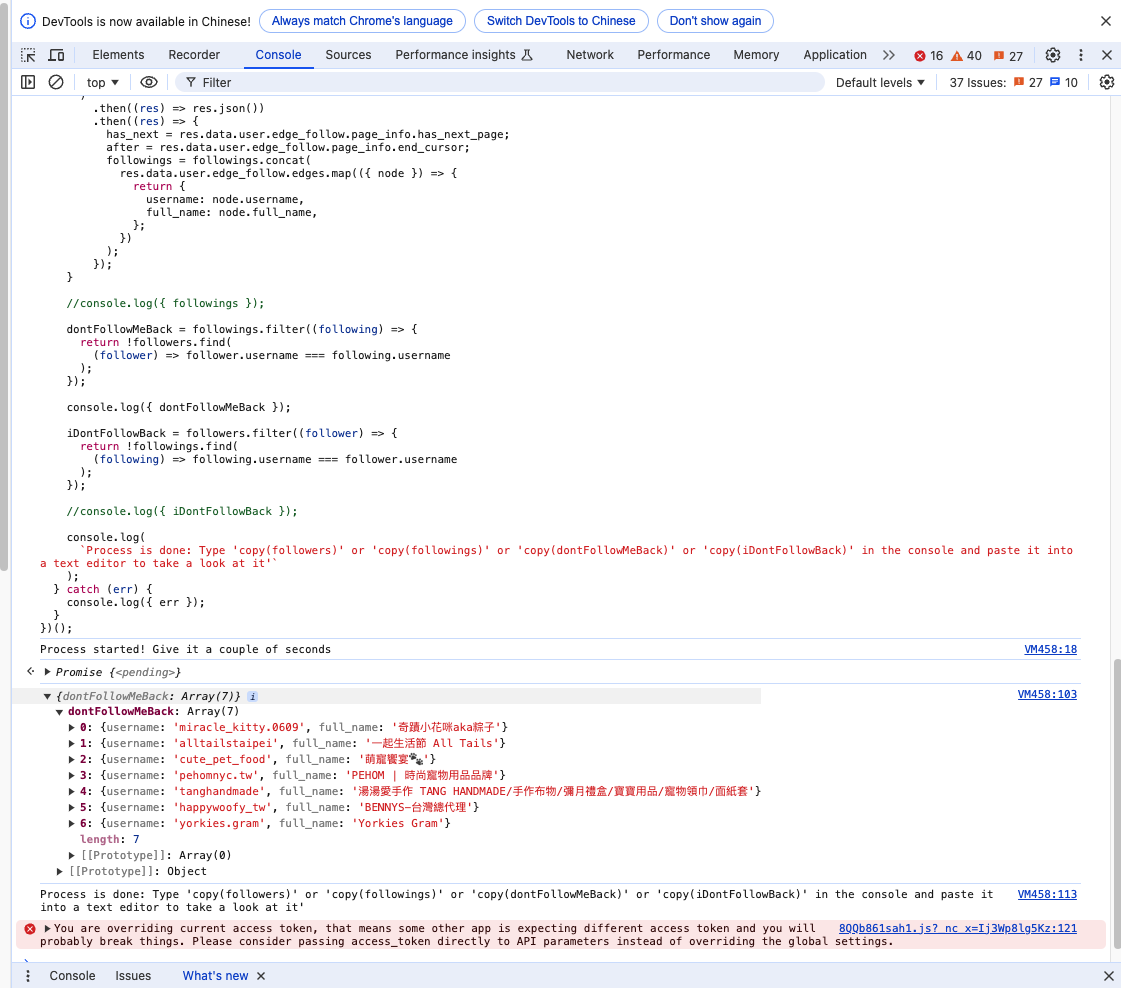
將那段訊息展開後就可以看到名單囉:
使用完後,只要按下工具右上角的叉叉就可以關閉工具了!